0
Your Cart

How to Maintain a Drain Camera for Longer Life

How to Keep Your Drain Camera in Top Condition

Your drain camera is more than just a tool; it’s the heart of your business.
Whether you’re diagnosing a blocked sewer in Tauranga or inspecting root damage in Christchurch, you need your camera running sharp, day after day.

But here’s the truth: most camera damage is preventable.
With a bit of care and routine TLC, your Razorback camera will pay for itself over and over again.

Here’s how to keep your drain camera in top condition, so it stays reliable, profitable, and ready for action.

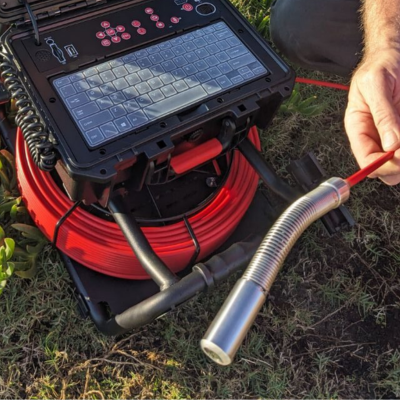
Drain Camera Head

1. Clean It After Every Use

It sounds obvious, but you’d be surprised how many cameras are shoved back in the case, caked in grease, sand, and stormwater sludge.

Wipe down:

  • Camera head
  • Spring and cable
  • Reel and connectors

Use a soft cloth with mild detergent — no high-pressure hose!

“A clean camera is a clear camera — and your footage is your reputation.”

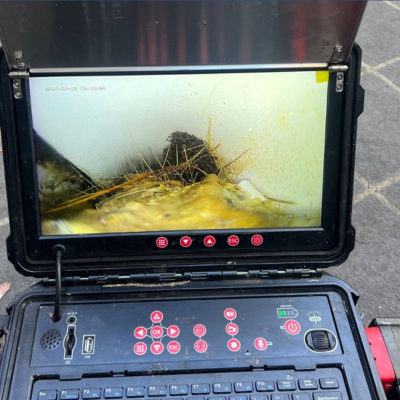
Drain Camera Monitor Crsytal Clear View

2. Check Your Connections Regularly

Loose or corroded connectors can cause:

  • Glitchy video
  • No signal to monitor
  • Sudden cutouts mid-inspection

Tip: Unplug and inspect each connection weekly. Spray with electrical contact cleaner if needed.

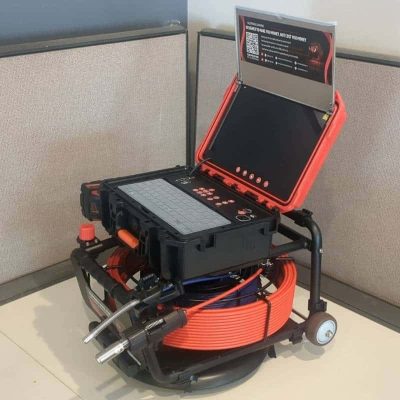
The Monster Drain Camera

3. Don’t Kink the Cable

Dragging your reel around like a hose can shorten its lifespan by months.

  • Wind and unwind slowly
  • Don’t pull by the cable
  • Avoid sharp bends and knots

Razorback cables are built tough — but treat them like a tool, not a tow rope.

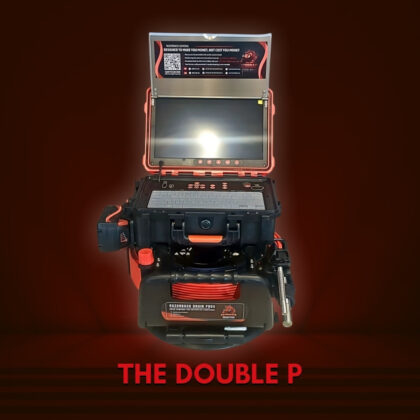
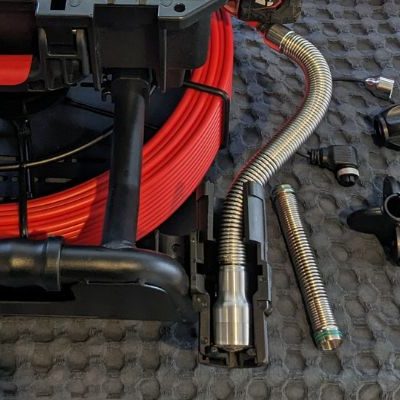
Double P Drain Camera - Razorback

4. Store It Right (Avoid Heat + Moisture)

Leaving your camera in a hot van or damp trailer overnight? That’s asking for:

  • Foggy lens issues
  • Corroded internals
  • Reduced battery life

☑︎ Store in a dry, cool place
☑︎ Keep the screen and control box covered when not in use

Spare Parts Readily Available

5. Use the Right Skid Size

Running a camera head too small for the pipe = unnecessary wear.
Running one too big = stuck camera, scratched head, or broken springs.

Always fit the correct skid bracket for your pipe size:

  • 12.8mm = 40–90mm pipes
  • 21mm = 90–150mm
  • 29mm = 100–300mm

Explore Razorback Skids & Spare Parts

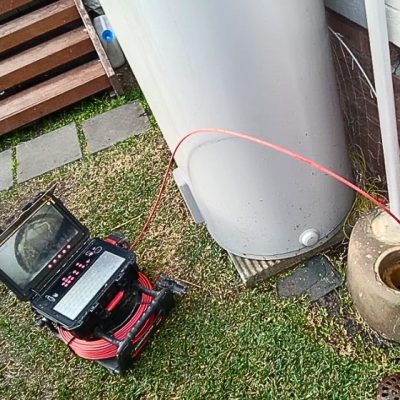
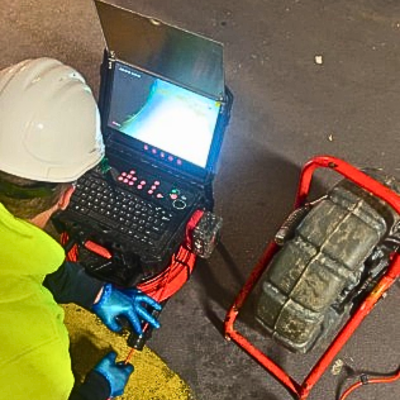
The Monster Drain Camera in Action

6. Test Before Every Job

Before you drive 45 minutes to a blocked pipe, check:

  • Camera boots up
  • Footage is clear
  • Cable feeds correctly
  • SD card or recording works

It takes 2 minutes and could save your whole day.

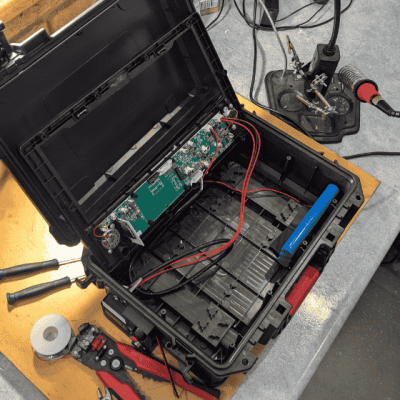
The Drain Camera is being repaired and checked.

7. Service It Annually (or Sooner if Heavy Use)

Even tough gear needs a checkup. At Razorback, we offer:

Contact Razorback NZ for Maintenance Help

Phone: 0800 708 108
Email: contact@razorbackdrains.nz

Final Tip: Take Care = More Profit

It’s simple math:

Better care → Fewer repairs → Less downtime → More inspections → More

Get the Right Drain Camera for the Job

Discover reliable drain cameras built for New Zealand conditions. Fast delivery, flexible finance, and live demos make it easy to get started.

SHARE: